A slow-loading online store can quietly kill your sales. Studies show that even a one-second delay can reduce conversions and increase bounce rates significantly. This is why speed optimization Shopify strategies are no longer optional—they are essential for growth. If your store takes too long to load, users leave before even seeing your products, directly impacting revenue and search rankings.
Many store owners struggle with issues like heavy themes, too many apps, and unoptimized images. These problems slow down performance and make it harder to compete in search results. The good news is that with the right approach, you can speed up Shopify website performance and deliver a fast, smooth user experience.
In this guide, you’ll learn practical, actionable steps to improve Shopify store speed, boost SEO, and create a better shopping experience. Whether you’re a beginner or looking for advanced improvements, this guide covers everything you need.
Why Shopify Speed Matters
Website speed plays a major role in both user experience and search engine rankings. When visitors land on your store, they expect instant loading. If your site is slow, they leave—often without returning. This directly affects conversions and overall Shopify performance.
A faster store leads to:
- Higher engagement
- Lower bounce rates
- Better conversion rates
Search engines also prioritize fast websites. Google considers speed as a ranking factor, which means improving your shopify speed can help you rank higher in search results. Faster sites are easier to crawl and provide a better user experience, which aligns with search engine goals.
Mobile users make up a large portion of eCommerce traffic. A slow mobile experience can significantly reduce sales. This is why optimizing for mobile-first performance is critical.
Additionally, Core Web Vitals—metrics like loading speed, interactivity, and visual stability—are key indicators of website quality. Improving these metrics through proper shopify optimization can lead to better rankings and user satisfaction.
What is a Good Shopify Speed Score?
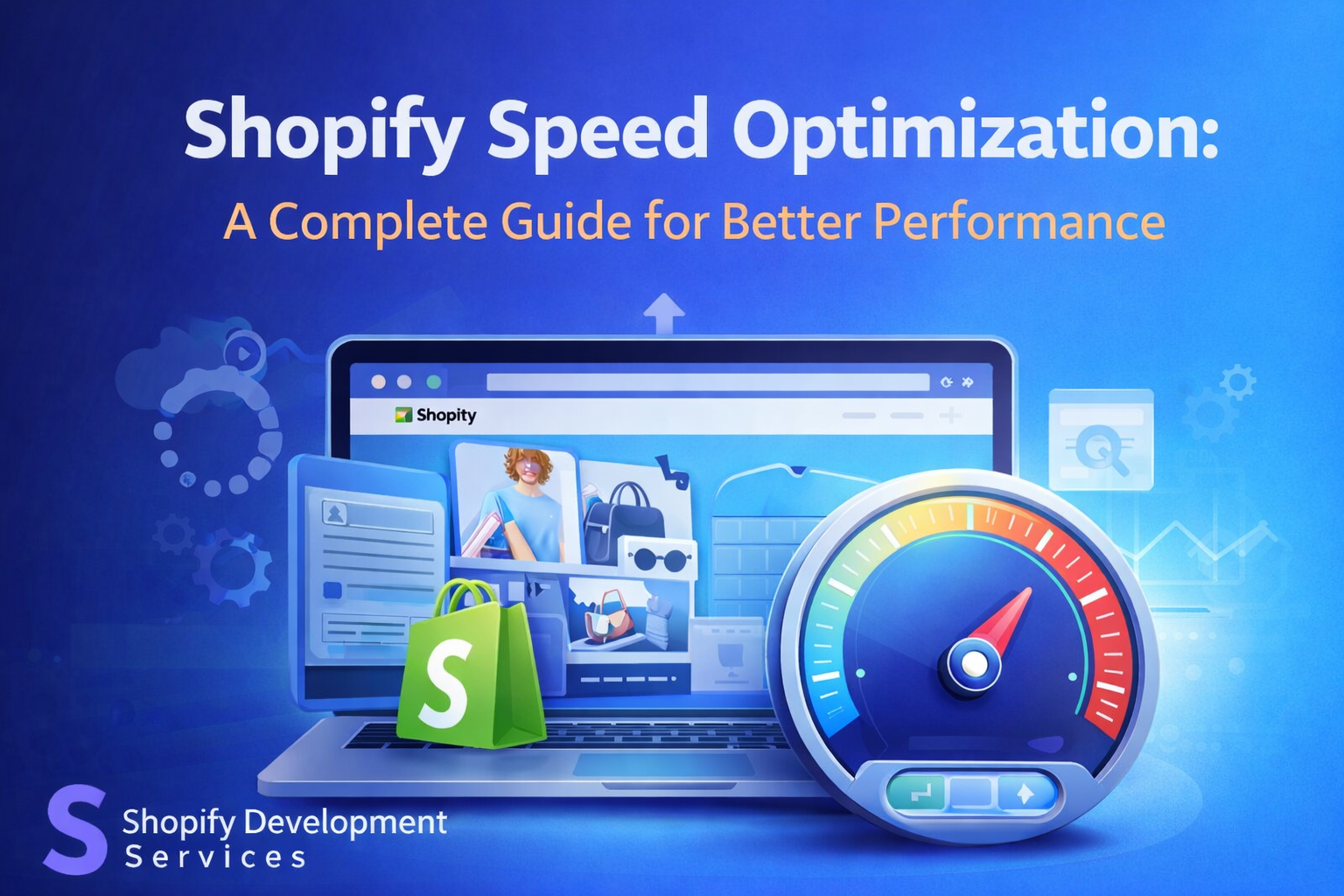
A Shopify speed score is a measure of how fast your store loads and performs. Tools like Google PageSpeed Insights provide insights into your website’s performance across devices.
Generally:
- 90+ = Excellent
- 70–89 = Good
- 50–69 = Needs improvement
- Below 50 = Poor
If you’re wondering what is a good Shopify speed score, aiming for 70+ is a practical target for most stores. However, higher is always better, especially for competitive niches.
These tools analyze factors like:
- Page load time
- Image optimization
- Script execution
- Mobile performance
Improving these areas helps improve shopify site speed and enhances overall performance. Regular monitoring ensures your store stays optimized as you add new content or features.
Key Factors Affecting Shopify Store Speed
1. Heavy Themes & Poor Coding
Many Shopify themes come with extra features that are not always needed. These features add unnecessary code, slowing down your site. Poor coding practices can also impact load times and reduce efficiency.
2. Unoptimized Images
Large image files are one of the most common causes of slow loading. Without compression or proper formatting, images can significantly affect shopify website optimization.
3. Excess Apps & Scripts
Installing too many apps adds extra scripts to your store. These scripts run in the background and increase load time. Removing unused apps can instantly speed up shopify site performance.
4. Third-Party Integrations
External tools like chat widgets, tracking scripts, and ads can slow down your store. Each integration adds additional requests, which impacts speed.
5. Lack of Technical Optimization
Without proper technical improvements, your store cannot perform at its best. Missing elements like caching, minification, and structured optimization limit your ability to optimize shopify speed effectively.
How to Speed Up Shopify Website (Step-by-Step Guide)
1. Optimize Images
Images should be compressed without losing quality. Use modern formats like WebP and ensure proper sizing.
- Reduce file size
- Use responsive images
- Enable lazy loading
This helps how to increase shopify website speed and improves loading time.
2. Enable Lazy Loading
Lazy loading ensures images load only when they are visible on the screen. This reduces initial load time and improves performance.
3. Minify CSS, JavaScript, and HTML
Reducing file sizes by removing unnecessary characters improves loading speed.
- Minify CSS and JS files
- Combine files where possible
- Remove unused code
This is a key step to optimize page speed Shopify.
4. Remove Unused Apps
Apps add functionality but also slow down your store.
- Audit installed apps regularly
- Remove unused or duplicate apps
- Replace heavy apps with lightweight alternatives
This is one of the fastest ways to how to speed up my Shopify store.
5. Choose a Fast Theme
Lightweight themes are designed for performance.
- Avoid overly complex designs
- Use optimized themes
- Limit unnecessary animations
This helps how to make Shopify store faster without technical complexity.
6. Use Content Delivery Network (CDN)
A CDN distributes your content across global servers, reducing load time for users in different locations.
7. Optimize for Mobile
Mobile optimization is essential.
- Use responsive design
- Reduce mobile load time
- Optimize touch elements
This directly impacts how to improve Shopify store speed for mobile users.
8. Clean Up Code
Over time, your store accumulates unused code.
- Remove old scripts
- Optimize Liquid code
- Eliminate redundant elements
Code cleanup helps optimize Shopify store speed and improves efficiency.
Advanced Shopify Performance Optimization Techniques
For deeper improvements, advanced strategies are required.
1. App Audits
Regularly analyze app performance and remove anything unnecessary. This improves shopify performance optimization.
2. Script Contro
Limit third-party scripts and load them conditionally to reduce impact on performance.
3. Advanced Caching
Implement browser caching and server-side improvements to reduce load time.
4. Use Optimization Tools
Leverage tools designed for shopify site speed optimization to monitor and fix issues efficiently.
5. Technical Improvements
Advanced techniques include:
- Preloading key resources
- Reducing server requests
- Optimizing theme architecture
These steps help you fully optimize Shopify speed and achieve consistent performance gains.
Role of SEO Optimization Techniques in Shopify Speed
Speed and SEO go hand in hand. Technical SEO optimization techniques play a crucial role in improving performance.
A well-optimized site includes:
- Clean URL structure
- Optimized images and assets
- Proper schema markup
- Fast-loading pages
Search engines reward fast websites with better rankings. Improving speed not only enhances user experience but also increases visibility.
Combining SEO and performance strategies ensures long-term success and sustainable growth.
Professional Shopify Speed Optimization Services
While many improvements can be done manually, some stores require expert-level optimization. This is where shopify store speed optimization services become valuable.
Experts can:
- Identify hidden performance issues
- Optimize code and scripts
- Improve Core Web Vitals
- Deliver faster and more stable performance
For businesses looking to scale, working with professionals like Shopify Development Services can simplify the process and deliver faster results. Their expertise ensures that your store is fully optimized without trial and error.
Improving your store’s speed is one of the most impactful steps you can take to grow your business. From image optimization to advanced technical improvements, every change contributes to better shopify performance.
By following the strategies in this guide, you can speed up Shopify website, enhance user experience, and improve search rankings. Consistent monitoring and updates are key to maintaining performance over time.
If you want faster results and deeper optimization, partnering with experts like Shopify Development Services can help you achieve long-term success. A fast store not only improves conversions but also builds trust and keeps customers coming back.